Random Password Generator
Create strong, unique passwords—instantly.
Random Password Generator | Create Strong Passwords Online
Why Strong Passwords Are Essential for Your Security? Security is now the number one concern of every individual in today’s digital world. One of the easiest ways to help safeguard personal information from digital hackers and cybercriminals is to use strong passwords. But making a secure password is time-consuming and may be hard to remember. That’s why using a password generator tool is the best solution.
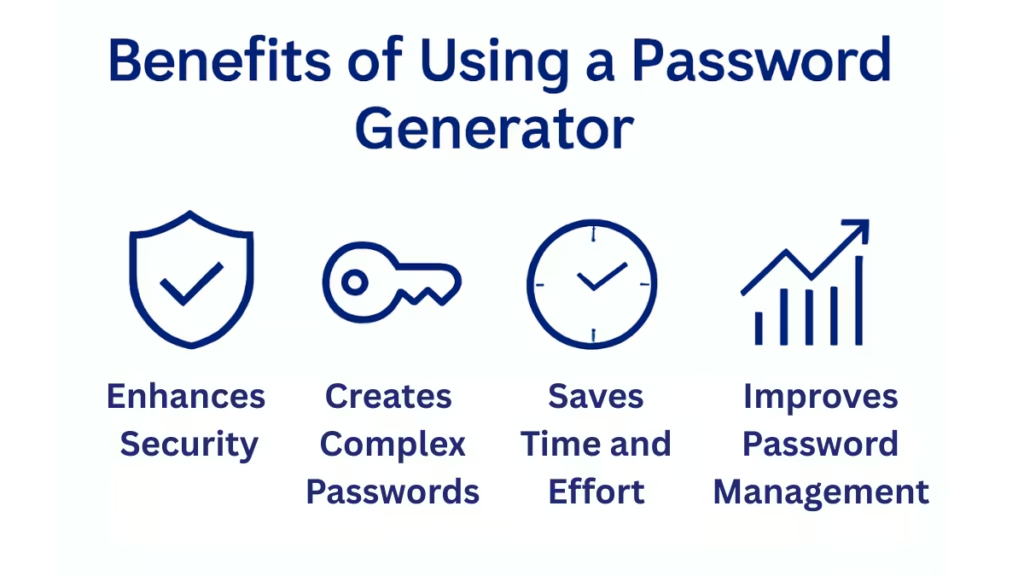
Our Random Password Generator Tool makes sure that you generate strong and unique passwords every time. With options for customization, you can generate passwords that would fit all the necessary security standards.
How to Use Our Password Generator Tool
1. Choose Your Desired Password Length
- Move the slider in order to get a password with a length that varies from 8 to 64 characters. The longer the password, the safer it is.
2. Special Characters
choose the types of characters you want your password to include:
- ABC (Uppercase Letters)
- abc (Lowercase Letters)
- 123 (Numbers)
- # $ & (Special Characters)
3. Exclude Look-Alike Characters
- You can, if you like, exclude look-alike characters such as 1, I, O, l, 0. This will ensure that your password is as clear and readable as possible.
4. Copy and Use
- Once the password has been generated, you can easily copy it with one click of a button, which makes it fast and easy to use on all of your accounts.
Why Choose Our Password Generator Tool?
Customizable and Flexible
Our tool offers complete flexibility in options like password length, characters, and excluded characters to make your password meet the highest standards of security.
Instant Password Generation
No more wasting time on creating passwords manually. Click a button and you get a secure password ready for use in mere seconds.
Enhanced Security with High Entropy
It generates high entropy passwords that are virtually impossible to crack, meaning you can rest assured your accounts are safe.
Free and Easy to Use
Our Password Generator tool is free and doesn’t require any sign-up. Just visit the page, generate your password, and you’re good to go.
Understanding Password Strength and Entropy
What is Entropy in Passwords?
Entropy in passwords is a measure of the level of randomness or unpredictability. The higher the entropy, the stronger the password.
When you use our Password Generator tool, you are ensuring that the password you are generating has the maximum entropy, hence making it unpredictable, and difficult for attackers to guess.
Password Length Matters – But Why?
The longer your password is, the harder it will be to crack. Sometimes adding even a few characters to your password can greatly enhance its strength. For best security, aim for at least 12 to 16-character passwords.
Using a strong password is important.
Protect Your Online Accounts
Hackers use techniques that can systematically uncover weak passwords. By using a strong password, you significantly reduce the chances of hackers gaining access to your online accounts, whether it is email, banking, or social media. Avoid Common Password Pitfalls Don’t use predictable patterns, such as “123456” or “password”. Don’t reuse passwords across multiple sites. Don’t share your passwords with others. These common mistakes can easily be avoided by using our Password Generator Tool, which means your online accounts will remain safe.
Check out discussions on Quora about creating strong passwords and try our Password Generator Tool for a secure solution. Quora link.
Frequently Asked Questions
How do I create a strong password?
It should be at least 12-16 characters long, have a mix of uppercase and lowercase letters, numbers, and special characters. Our Password Generator Tool does all this automatically for you.
Can I use the password generated by the tool for every website?
Yes! Our tool generates a random, secure password that can be used on any website or other service that requires a strong password.
What happens if I forget my password?
We recommend using a password manager to securely store your passwords. Never store passwords in an unsecured location.
Is this tool free to use?
Yes, our Password Generator Tool is fully free to use. No registration or account creation is necessary.
Call to Action
Start Generating Strong Passwords Now Ready to take control of your online security? Lock down your accounts today with our free Password Generator tool.
While ensuring your online security with our Password Generator Tool, you can also check other free tools we have, like the Sleep Calculator Tool,
Calorie Calculator in managing your health and well-being.