Image Compressor
Smart AVIF, WebP, PNG & JPEG compression for faster websites.
Compression settings (optional)

Drop your images here!
Or tap below to choose files (max 20, 5MB each).
Free Online Image Compressor – Reduce Image Size Without Losing Quality
Large, and unoptimized images are one of the major causes of slow websites, storage issues, and failed uploads. Be it a student sending assignments, a blogger optimizing images for articles, a designer managing visual assets, or a business getting media ready for online platforms, finding a reliable image compressor is key.
Our Online Image Compressor makes this process simple and fast. You can instantly reduce image size without losing visible quality, and the tool works right in your browser. No software installation, no sign-up, and no hidden limitations. Just upload, compress, and download—within seconds.
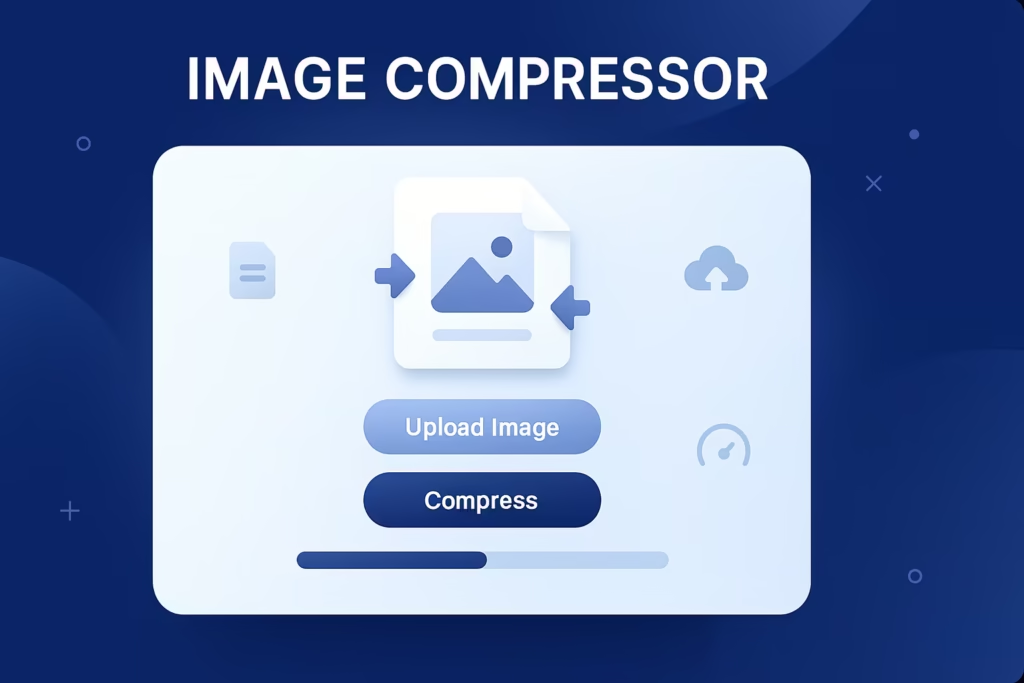
How to Use the Image Compressor
Working with the tool is fast and easy, even if you have never compressed an image before. Follow the steps below, as illustrated by the above interface:
Upload your images
Click “Choose Files” or drag and drop your images into the upload section. You can upload multiple images at once (up to 20 files, 5MB each).
Select desired formats (optional)
Select between JPEG, PNG, WebP, and AVIF, or use Select All to let the tool automatically optimize for the best result.
Adjust compression settings (optional)
Open the dropdown for compression settings if you want to have custom control. Otherwise, Smart Default Mode automatically applies optimal compression.
Start the compression
Click “Start Compressing” and view the progress bar showing real-time updates like “Compressing 1 of 1…”
Download your optimized files
Once the tool shows “All images compressed successfully!”, your files are ready to save and use anywhere.
⭐ For document size reduction, try our PDF Compressor Tool
⭐ Convert photos into a single document using the Image to PDF Tool
Why compress images? (Benefits)
Image compression is not all about saving space; it improves performance, accessibility, and security in various ways. Here is why:
Website Loads Faster
Heavy images slow down page speed, which affects:
- User experience
- Conversion rates
- Engagement
- Search engine rankings
Compressed images help your website load faster, improve Core Web Vitals, and boost SEO.
Saves storage and bandwidth.
Compressed images decrease the file size by up to 80%, helping you:
- Store more images without upgrading storage
- Upload large batches instantly
- Reduce mobile data usage
This is especially helpful for students, photographers, and social media users.
Improves SEO and Online Visibility
Search engines give priority to fast-loading pages. You can achieve this by:
- Improve ranking potential
- Lower bounce rate
- Improve mobile performance
- Improve user retention
Better performance means better visibility.
Seamless sharing and upload
Uncompressed images exceed the limits of most platforms. Compression makes for effortless uploads to:
- WhatsApp and Telegram
- Email attachments
- CMS platforms
- E-commerce listings
- School or office portals
No more “file size too large” errors.
Maintains High Visual Quality
Our smart compression ensures:
- No pixelation
- Sharp and clear output
- Preserving original dimensions
Ideal for graphic designers and photographers who require quality and efficiency.
Supported File Formats (JPEG, PNG, WebP, AVIF)
The tool supports several modern and traditional formats:
✅ JPEG
Best for:
- Photos
- Blog thumbnails
- Social media images
Great balance between quality and size.
✅ PNG
Ideal for:
- Logos
- Transparent backgrounds
- UI graphics
Compression reduces size without removing transparency.
✅ WebP
Modern, web-optimized format:
- Smaller than PNG and JPG
- High visual quality
Recommended for websites and apps
✅ AVIF
Next-generation compression:
- Extremely small size
- Excellent clarity
- Best for high-resolution visuals
You can also convert between formats automatically for better optimization.
Frequently Asked Questions
1. Will compression reduce image quality?
No—our tool uses smart algorithms that preserve clarity while reducing size.
2. Is the tool free to use?
Yes, it is 100% free with no registration or usage limits.
3. Can I compress multiple images at once?
Yes, batch compression is supported for faster processing.
4. Are my files stored or shared?
No—processing happens securely, and images are not saved on servers.
5. Which file formats are supported?
JPEG, PNG, WebP, and AVIF formats are fully supported.
Technical documentation and performance considerations for this image compressor are available in our open-access OSF project.