Convert Images to PDF
Drop images or select files. Reorder, tweak settings, and export a crisp PDF.
or drag & drop images here
or drag & drop images here
Tips & Shortcuts
- Reorder images with ▲ / ▼ or drag on the handle.
- Paste directly from clipboard (Ctrl/⌘+V).
- Settings are remembered in your browser.
Convert Images to PDF Online – Fast, Free & Easy
If you’ve ever needed to combine multiple images into a single, shareable PDF file, our Image to PDF Converter is the perfect solution. Designed for simplicity and efficiency, this tool helps you to effortlessly convert any JPG, PNG, or other image files into a clean and high-quality PDF, in just a few clicks.
Whether you organize scanned documents, create a digital photo album, or prepare files for work or school, our free image-to-PDF converter does the work with ease. No software installation is needed because everything happens securely right within your browser.
Why Use an Online Image to PDF Converter?
Conversion of images to PDF format has certain advantages:
- Universal Compatibility: PDF files open on any device, anywhere.
- Compact & Organized: Combine several pictures into a single neat document.
- Professional Presentation: Perfect for reports, school projects, or business documents.
- Security and Sharing: Easy to share through email or using cloud storage.
Moreover, with our online tool, you are not worried about file safety because your images remain private and automatically get deleted right after conversion.
Check out this helpful Reddit thread on PDF conversion methods.
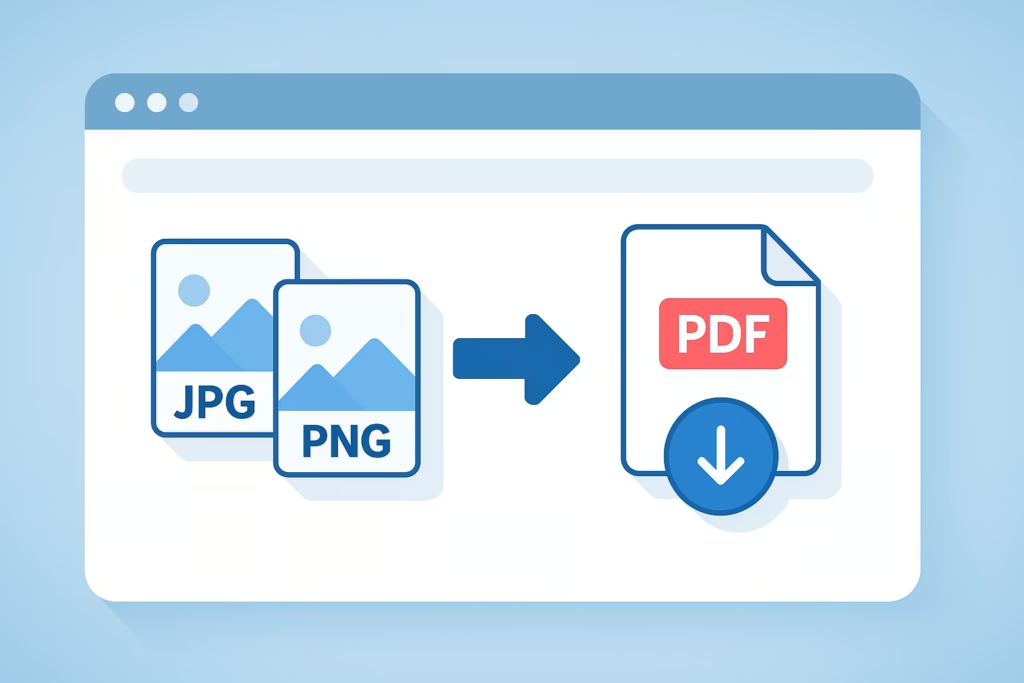
How to Use the Image to PDF Converter
Our user-friendly interface makes converting images to PDFs fast and straightforward. Just follow these simple steps:
Upload Your Images
- Click the “Choose Files” button or drag and drop your images directly into the upload area.
- You can upload several images simultaneously, and the tool will order them for you automatically.
Adjust PDF Settings
- Page Size: Choose from Smart (auto-fit) or other size options according to your preferred layout.
- Orientation: Select Auto, Portrait or Landscape to match your images.
- Margins: Easily adjust the whitespace of your images using the simple slider.
- Image quality: Choose the quality level. A higher quality makes the file size larger, but the results are sharper.
- Optional Features: In some instances, you may want to add page numbers or convert images to grayscale.
- Maximum Long Edge: Set the maximum edge dimension when scaling large photos.
- Enable Smart Fit to automatically resize your images perfectly to fit the page.
Create Your PDF
- When your settings are complete, click “Create PDF.”
- Your images will be processed and compiled into one crisp PDF document by the tool.
- Your PDF will be ready for download in a few seconds.
Clear All (Optional)
- When you want to start over, just click “Clear All,” which clears the workspace and lets you upload new files.
Pro Tip: Compress Your PDF for Easier Sharing
If you create a PDF, you may want to reduce the size to make uploading and emailing it easier. Use our PDF Compressor Tool — it reduces the file size while maintaining excellent quality.
Safe, Fast, and Free – No Downloads Needed
Our Image to PDF Converter is available entirely online, which means:
- No installation of software and no registration.
- 100% secure — files are deleted after conversion automatically.
- Works on all devices: desktop, laptop, tablet, or smartphone.
It is the easiest way to convert images into professional PDFs anytime, anywhere.
Convert Your Images to PDF Now
Ready to create a clean, organized PDF from your images? Upload your files above and experience how fast and easy it is to convert photos into PDF format. Whether you’re a student, professional, or anyone looking to simplify file sharing, our free online Image to PDF tool is for you.
Frequently Asked Questions
How do I convert images to PDF?
Upload your pictures, modify settings for things such as size or margins, and then click “Create PDF.” Your file will be ready in seconds — no sign-up needed.
Can I merge several images into one PDF?
Yes, you can upload multiple photos or scans and the tool will automatically join them together in one PDF.
Is my data safe when converting?
Absolutely, all files are processed securely and deleted automatically after conversion for your privacy.
Can I change the image quality or page size?
Yes, before creating your PDF, you can adjust settings such as image quality, page size, margins, and orientation.
How do I make my PDF smaller?
Once you have created your file, use our PDF Compressor Tool to reduce the size while maintaining excellent quality.